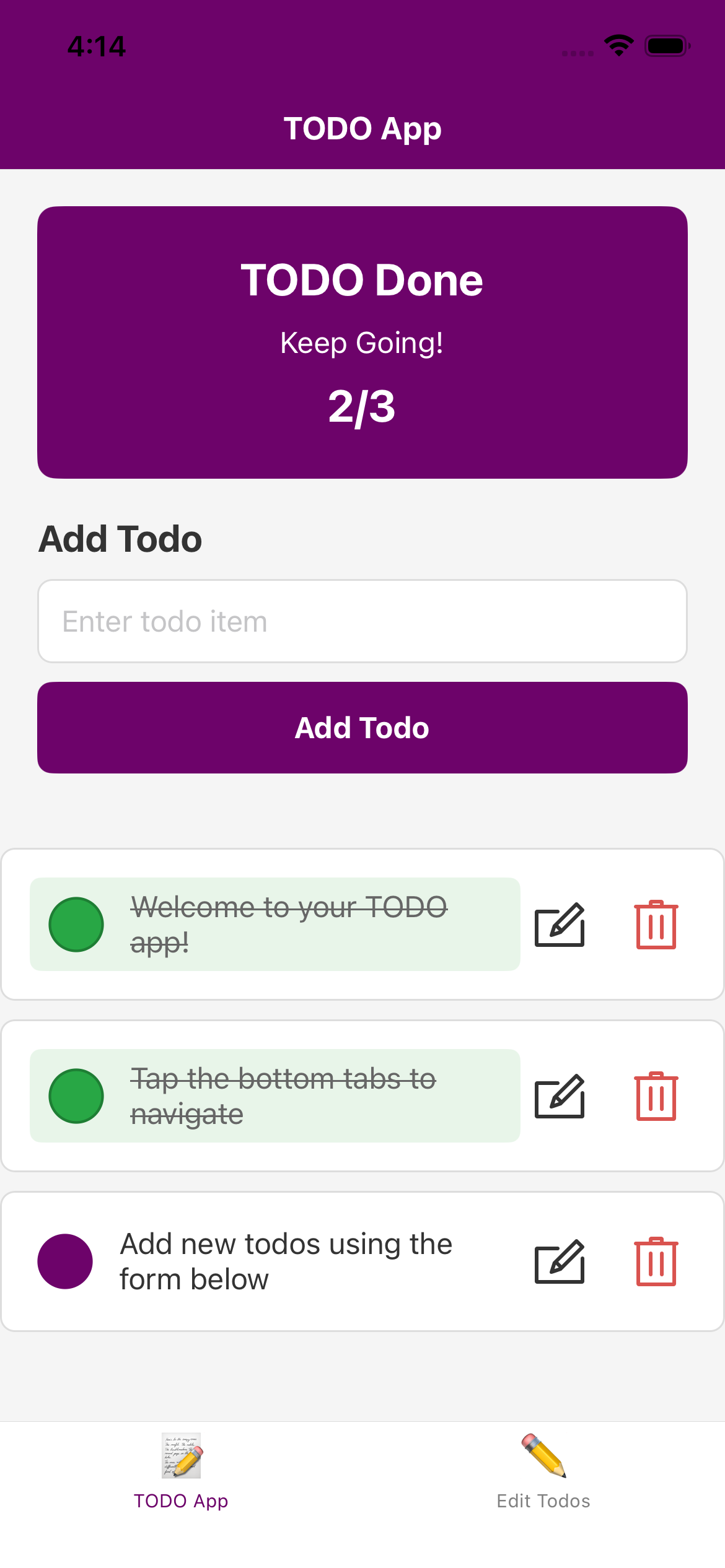
Using React Native and Expo for iOS App Development
Developing an iOS app once required a deep dive into Swift or Objective-C with Xcode, often presenting a steep learning curve. However, modern cross-platform tools like React Native and Expo have revolutionized the process, making sophisticated iOS applications more accessible, flexible, and efficient. This article delves into how React Native, combined with Expo, transforms iOS development, making it an appealing choice for developers seeking speed, versatility, and ease of deployment.
What is React Native, and Why Use It?
React Native, a popular JavaScript framework developed by Facebook, empowers developers to create mobile apps using React, a library initially designed for web user interfaces. The remarkable aspect of React Native lies in its ability to generate real, native mobile apps that run seamlessly on iOS (and Android) from a single JavaScript codebase. This eliminates the need for distinct code for each platform, saving time and effort.
React Native components directly translate into native UI building blocks, delivering a smooth user experience comparable to apps built with native languages. It also holds the flexibility and speed of web development paradigms.
Having Expo to Simplify the React Native Experience
Using Expo further simplifies the React Native experience by providing a user-friendly interface that streamlines the development process. Expo is a powerful set of tools and services built around React Native. Just imagine Expo as an accelerator that simplifies complex setup procedures, manages numerous native dependencies internally, and provides a rich ecosystem of pre-built components and APIs.
For iOS development in particular, Expo stands out by enabling developers to build, test, and deploy apps without immediately requiring a Mac or Xcode. Expo’s managed workflow handles various tasks, including asset bundling and push notifications, significantly reducing the entry barrier.
Here are some key advantages of using React Native with Expo for iOS apps:
-
Rapid Development and Testing: Expo offers an intuitive client app that allows developers to view changes instantly on their iPhone or simulator, fostering a quick feedback loop.
-
Cross-platform Support: One codebase targets both iOS and Android, reducing duplication and ensuring feature parity.
-
Rich Library Access: Expo provides access to native device features like the camera, sensors, and location through simple APIs, eliminating the need to delve into native code.
-
Over-the-Air Updates: Push quick fixes and updates without resubmitting to the App Store, minimizing downtime and accelerating iteration.
-
Community and Ecosystem: Both React Native and Expo have active communities, extensive documentation, and third-party tools that simplify development complexity.
Considerations and Limitations
While React Native and Expo offer tremendous benefits, they do come with considerations. For instance, apps built with Expo can have larger bundle sizes due to the inclusion of the entire Expo SDK. This may be a concern for applications targeting low-storage devices or requiring minimal download sizes. Also, certain highly specialized native features might not be fully supported by the Expo SDK, requiring a bare workflow or alternative solutions. So while Expo is great for rapid development, developers should evaluate whether it meets their specific app requirements.
Conclusion
While working on my project, I found working with Expo to be a smoother experience compared to setting up a native iOS development environment from scratch. The ability to quickly prototype and iterate on features without the overhead of native tooling was a significant advantage. However, I feel like if I was making a more complex app, I might eventually need to eject from Expo to access more native functionality.